eSERS is SERS’ secure online system for employers. It provides an efficient, time-saving way to submit, manage, and review critical employee and financial information.
Use the resources below to get started, troubleshoot issues, and make the most of eSERS.
Access eSERS to manage enrollment, reporting, payments, and more for your district.
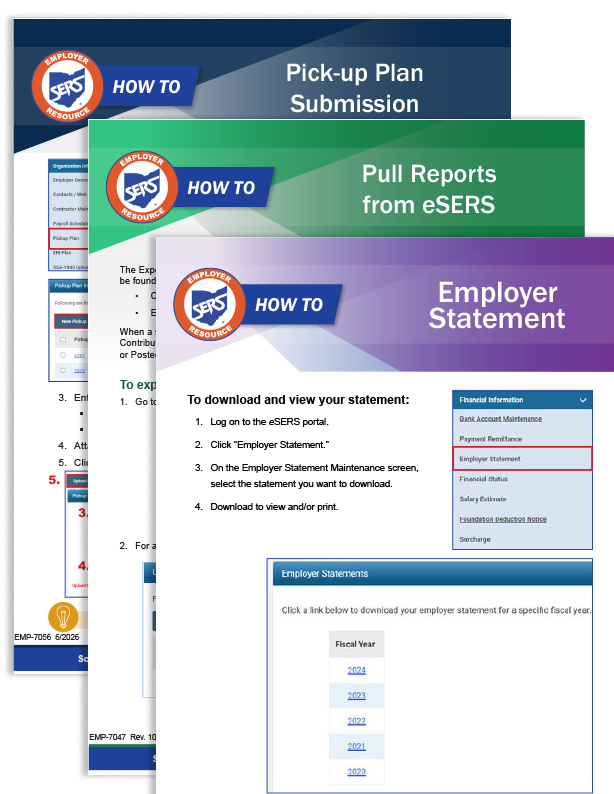
Step-by-step instructions for completing common tasks in eSERS. Each guide covers a specific function to help you work efficiently.
The complete eSERS Guide is available as a full document or by individual section below.
Some users have reported issues accessing eSERS. Once logged in, users see a mostly blank screen and the eSERS applications on the left side of the screen. When attempting to access the applications, they are logged out of eSERS.
If you experience this issue, you will need to clear the cache from your browser.
Use these step-by-step instructions to clear cache from Google Chrome.
If you have questions about eSERS or need technical assistance, contact Employer Services at 877-213-0861.